The building blocks of your Thread network
The building blocks of your Thread network Pave your way to the smart home of the future.
SOURCES: GLINET: https://www.gl-inet.com/products/gl-s200/ & EVE: https://www.evehome.com/en/thread-network
Low Power Thread Mesh & BLE to MQTT IoT Network
GL-S200 is a Thread Border Router designed for users to host and manage low power and reliable IoT mesh networks. The device supports both Thread and BLE protocols, and it comes with an optional pre-configured Thread development board for a simplified integration process to IoT devices.Supports Thread & BLE
- Supports Thread & BLE
- Supports BLE to MQTT
- Optional pre-configured Thread development board
- User-friendly topology management interface

Integrate Thread into IoT Devices
The GL-S200 Gateway offers a convenient way to integrate the Thread protocol into IoT devices. It offers an optional pre-configured Thread Development Board that enables data transfer with the gateway's Thread protocol via UART, SPI, and I2C integration with IoT end devices. Additionally, an optional testing module is also available, it includes a variety of sensors and control interfaces, such as push & turn dial, RGB light, PIR, Humidity, Temperature, and atmospheric pressure.


Thread Topology Interface
The GL-S200 Admin Panel provides a user-friendly topology interface for users to maintain an organized and manageable overview of their complex IoT networks.

Thread & BLE Dual-protocol
The GL-S200 Thread Border Router is capable of running both Thread and BLE protocols simultaneously. Thread protocol is optimal under high density networks while avoiding network congestion, and BLE is capable of connecting to devices at greater distances, effectively providing users with the flexibility to connect to a wide range of devices.

Minimal Latency Pathfinding Coordination
GL-S200 supports both device-to-device and device-to-cloud connectivity. Its Thread protocol allows the deployment of multiple Thread Border Routers and seeks the most efficient path using the fewest nodes for connecting to the Internet. It uses multiple border routers simultaneously to reduce the latency of large IoT networks. IoT devices within the network will automatically seek the router with the lowest latency for connecting to external networks.

The Future-proof Smart Home Gateway for Home Automation
 Built-in Security
GL-S200 supports AES encryption and phone authentication to build a secure access control network for smart homes and smart buildings.
Low Energy Footprint
Built on the power-efficient IEEE 802.15.4 MAC/PHY to connect an ecosystem of low power products to each other, ideal for lighting control, energy management, smart home appliances control etc.
Open IPv6-based Protocol
IPv6 features auto-configuration and multicasting which allows one-to-many communication between devices. It runs on end-to-end encryption to offer powerful network security.
Runs on OpenWrt 21.02 (Kernel version 5.4)
GL-S200 runs on GL.iNet's proprietary firmware based on OpenWrt, presenting a user-friendly interface to set up Thread networks and offers an extensive degree of customization, with users being able to choose from OpenWrt's 5000+ open-source ready-made plug-ins.

DNS over TLS & DNS over HTTPS
GL-S200 supports both DNS over TLS and DNS over HTTPS to enhance network privacy and security, providing users with the flexibility to choose between encryption depending on the network type. DNS over TLS uses encryption to secure DNS communications, while DNS over HTTPS uses the HTTPS protocol for an additional layer of security.
OpenVPN/WireGuard
GL-S200 is pre-installed with OpenVPN and WireGuard® supporting 30+ VPN services. It automatically encrypts all network traffic within the connected network, including smart home devices that are not capable of running VPN encryption independently.


Remote Access and Management
GL-S200 comes with GL.iNet's GoodCloud remote device management platform, providing users with remote access to the device admin panel and data usage monitoring. It also enables batch device management, firmware updates, and configuration. The GoodCloud platform also provides device analytics and notifications for status updates, enabling users to manage devices efficiently.
OpenWrt
Pre-installed

Type-C
Power Input

Thread

Real-time
Scanning

BLE 5.0
Specification
| Interface | 1 x WAN Ethernet port | 1 x LAN Ethernet port | 1 x Reset button | 1 x Toggle button | 1 x Type-C power port |
| CPU | QCA9531, @650MHz | ||||
| Memory / Storage | DDR2 128MB + NAND Flash 128MB | ||||
| Protocol | Supports Thread | Supports BLE 5.0 | Supports Wi-Fi 802.11b/g/n (2.4GHz) | ||
| Wi-Fi Speed | 150Mbps (2.4GHz) | ||||
| Ethernet Speed | 10/100Mbps | ||||
| LEDs | 1 x Tri-color LED Indicator light | ||||
| Power Input | Type-C, 5V/2A | ||||
| Power Consumption | <4W | ||||
| Operating Temperature | 0~40°C (32~104°F) | ||||
| Storage Temperature | -20~70°C (-4~158°F) | ||||
| Dimension / Weight | 118 x 85 x 30mm, 108g | ||||
| Tools & Downloadables | Datasheet | Firmware | App | Unboxing | Tutorials | Media Kit |
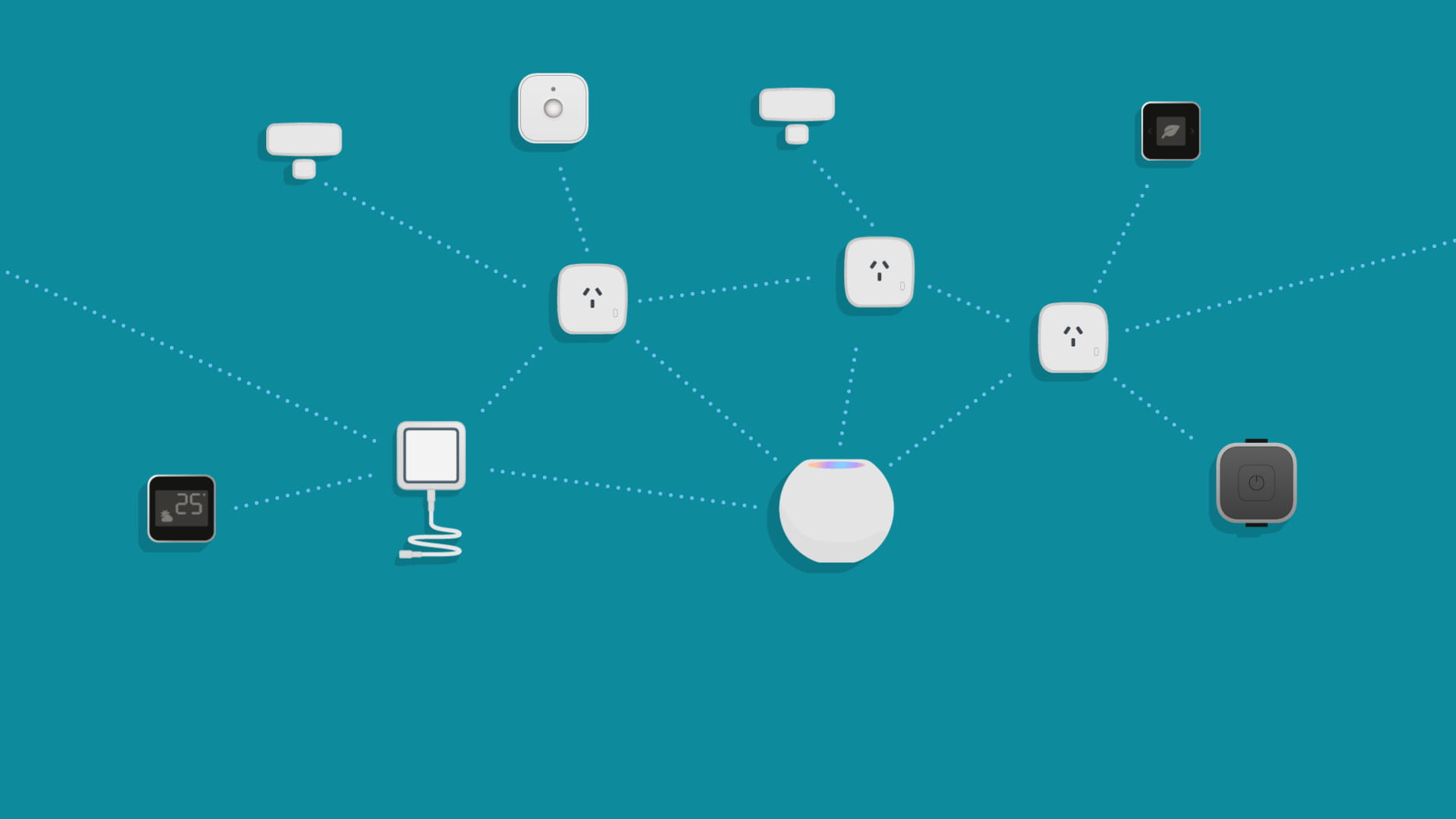
Thread technology has been designed specifically for smart home applications. In a Thread network your lights, thermostats, outlets, sensors, and more all talk to each other without needing to go through a central node such as a bridge. If a single accessory fails, the data packets are simply relayed to the next in the mesh network. This makes your smart home more responsive and robust, plus it increases its reach.

In short, Thread is the answer if you’re thinking about setting up and expanding your smart home. Read on to learn how easy it is to bring the benefits of Thread into your smart home.

Get started by getting the following:

Border Router
To connect everything together in your Thread network, you’ll need what’s known as a Border Router. Once connected to your home network, this device relays information between your Thread network and your local home network. There are currently two devices that serve as a Border Router, enabling your HomeKit accessories to communicate over Thread: HomePod mini and the new Apple TV 4K.
Thread-enabled accessories
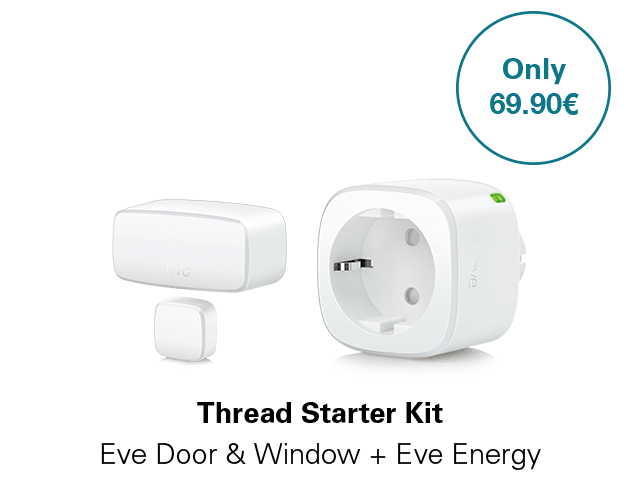
A Thread network really comes into its own once you have at least two Thread-enabled accessories as they can then talk to each other. There are two types of Thread devices – Full Thread Devices (FTDs) and Minimal Thread Devices (MTDs) – and they each perform a different role: FTDs act as router nodes, relaying data packets from other Thread devices. Mains-powered accessories such as Eve Energy, Eve Light Switch (EU) or Eve Water Guard can perform this role. Your Thread network should feature at least one router node (FTD), and it becomes more robust with every additional one you add.
MTDs are endpoints – battery powered Thread devices which include accessories such as Eve Aqua, Eve Door & Window, Eve Motion, Eve Room, Eve Thermo or Eve Weather. Learn more about Thread network roles here.

Get ready to enjoy Thread.
As soon as you add HomePod mini or the new Apple TV 4K to your home, all Thread-enabled HomeKit accessories will be able to communicate via Thread automatically – including those Thread-enabled accessories you already have, but which previously only communicated via Bluetooth. See which of your existing Eve accessories are already Thread-enabled here.
Get ready to enjoy Thread.
As soon as you add HomePod mini or the new Apple TV 4K to your home, all Thread-enabled HomeKit accessories will be able to communicate via Thread automatically – including those Thread-enabled accessories you already have, but which previously only communicated via Bluetooth. See which of your existing Eve accessories are already Thread-enabled here.
 Sho now

Enhance & extend.
It’s incredible, but there really is nothing more to it! Open your Eve app and take a look at the Thread Network view under Settings. There you can see precisely how your Thread devices are talking to each other in your Thread network. With these insights, you can easily see how to enhance the performance of your Thread network by placing your nodes in a better spot or adding a node to connect to devices that are beyond reach.
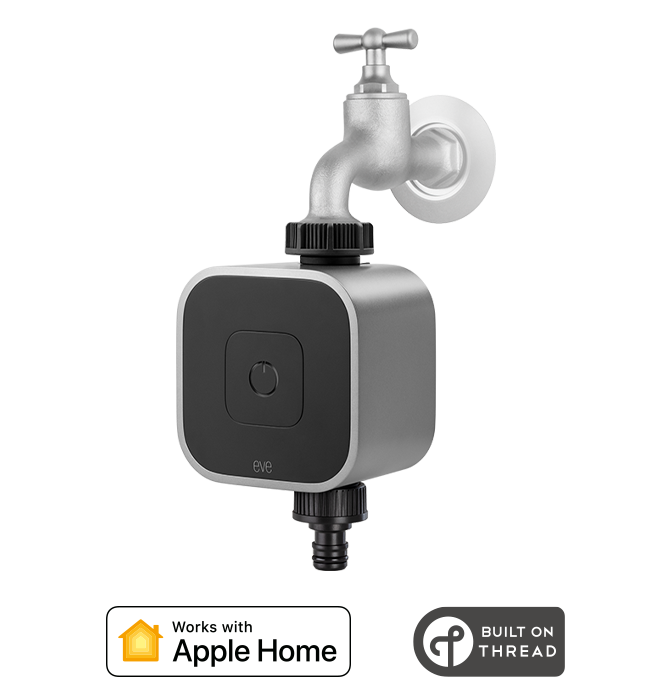
Smart Water Controller
Learn more
Requires iPhone or iPad with the latest version of iOS/iPadOS
149.94€
incl. VAT, plus shipping
HomeKit, supports Thread
Add to cart
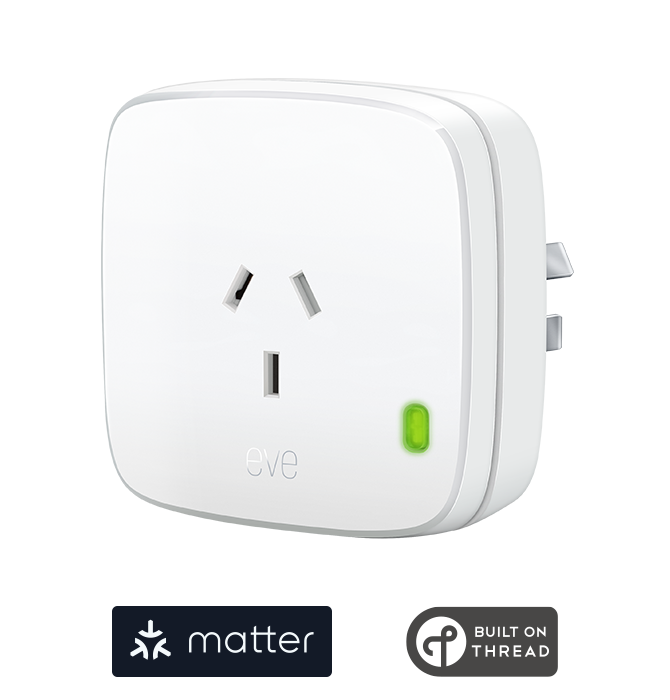
Smart plug
Learn more
Requires iOS/iPadOS 16.4 (or later) / Android™ 8.1 (or later), Matter controller / Thread Border Router
39.95€
incl. VAT, plus shipping
Supports Matter & Thread
Add to cart
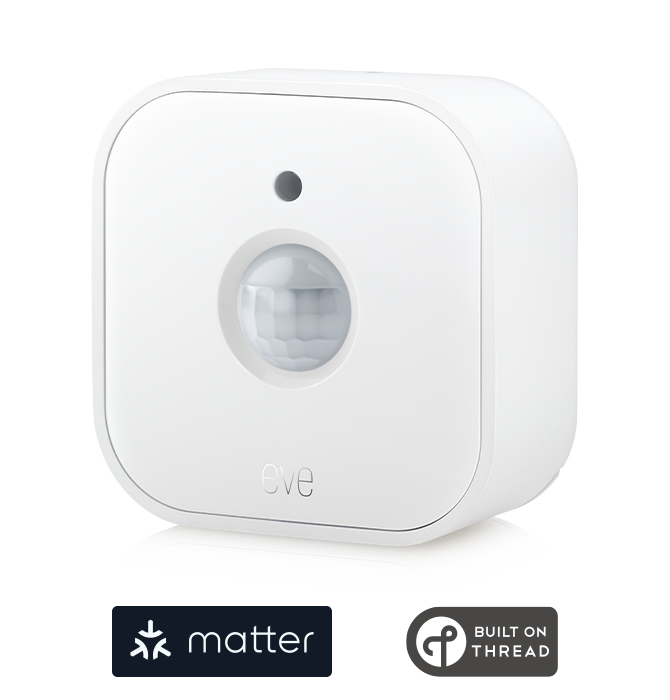
Wireless Motion Sensor
Learn more
Requires iPhone, iPad or Android device and a compatible hub.
49.95€
incl. VAT, plus shipping
Supports Matter & Thread
Add to cart
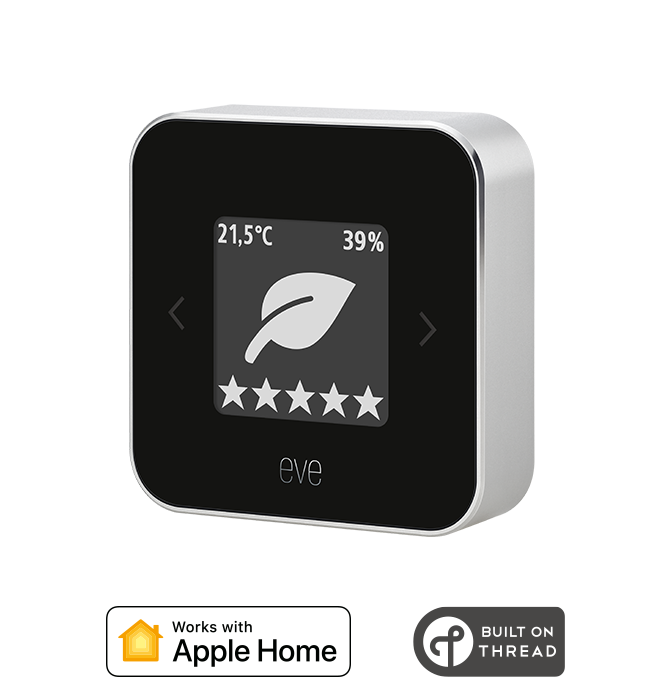
Indoor Air Quality Monitor
Learn more
Requires iPhone or iPad with the latest version of iOS/iPadOS
HomeKit, supports Thread
Add to cart
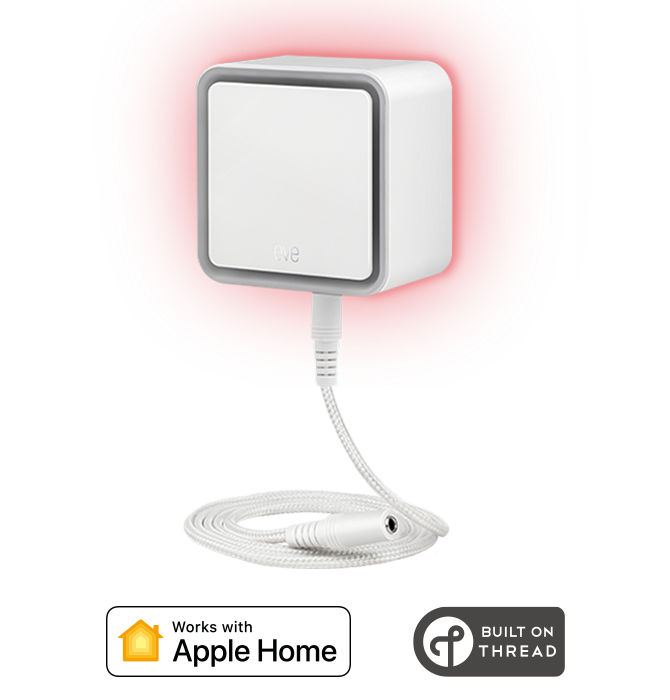
Connected Water Leak Detector
Learn more
Requires iPhone or iPad with the latest version of iOS/iPadOS, notifications away from home require a home hub
99.95€
incl. VAT, plus shipping
HomeKit, supports Thread
Add to cart
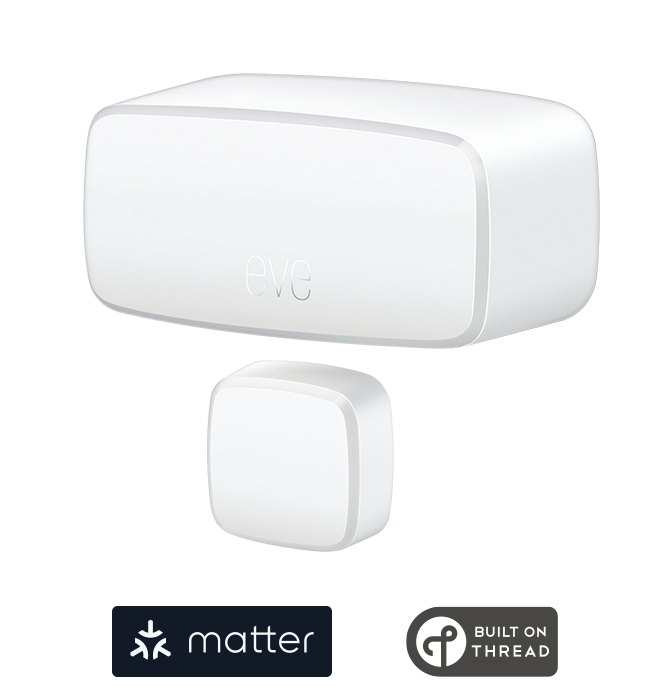
Wireless Contact Sensor
Learn more
Requires iPhone, iPad or Android device and a compatible hub.
39.95€
incl. VAT, plus shipping
Supports Matter & Thread
Add to cart
reCIPHER™ Admin
Hi, I am the reCIPHER™ BIS Admin! We are located in Collingwood, Melbourne, and service all areas within 100KM Radius of Melbourne CBD. Please visit our website at www.reCIPHERgroup.com to learn more about our services.
No comments yet. Login to start a new discussion Start a new discussion